

Video walkthrough
Before you begin
Have these ready:- The Cayenta API server hostname and port
- A Cayenta API service username and password
- Confirmation that the service account can use the required operations
- Approved test accounts with SSN data for identity-verification testing
Vendor provisioning guidance
You can file a ticket for API access: <https://tickets.cayenta.com/dashboard> The organization’s utility-systems administrator and IT team should own provisioning. If they cannot create the service account or locate the API details, the authorized customer contact should involve its Cayenta or Harris representative or support team. Ask for:- Test and production service endpoints, including the required host and port
- Dedicated service accounts, with separate credentials for each environment when available
- Current API documentation
- Approved test accounts with synthetic or non-production data
- Network allowlisting requirements for the service endpoint
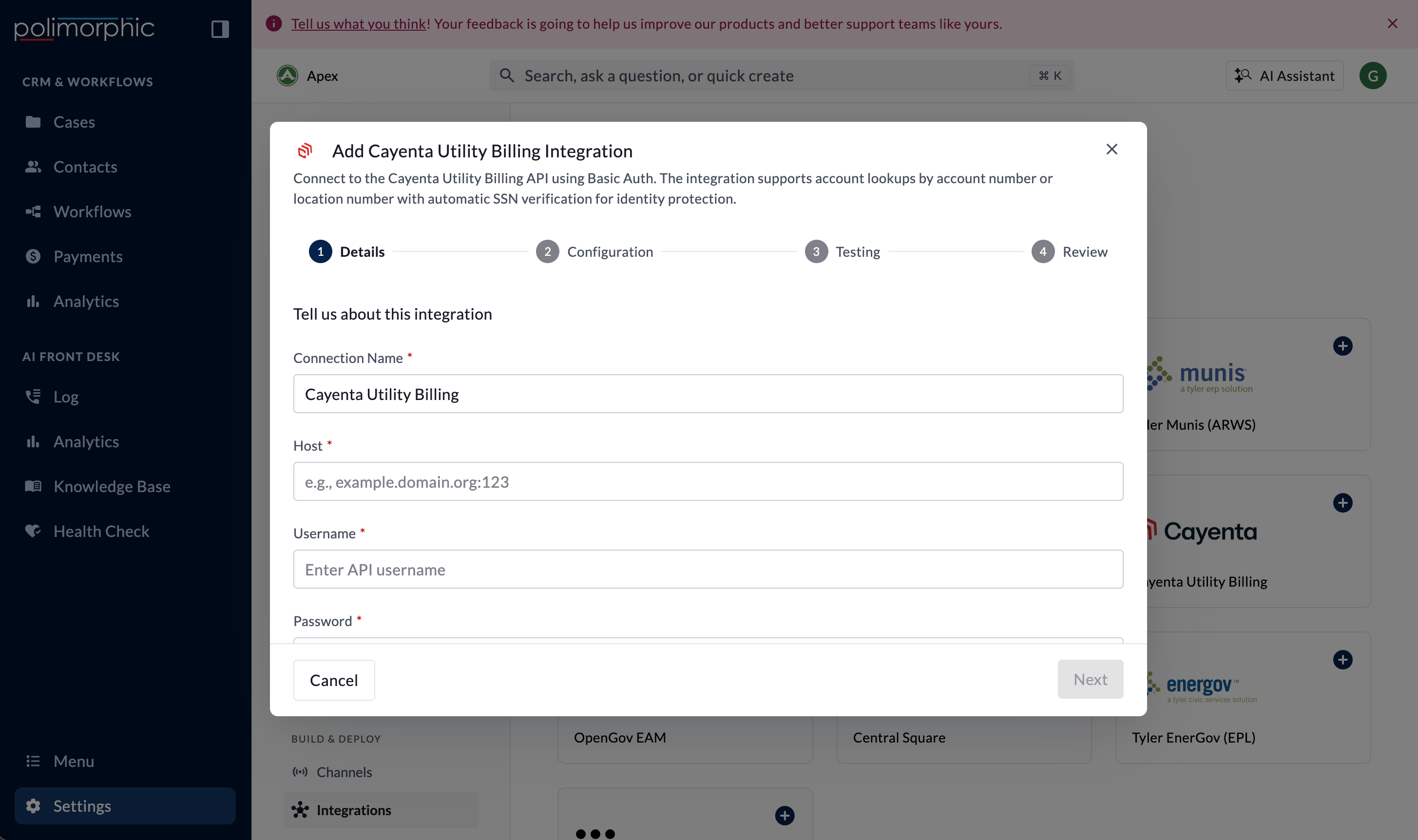
Setup fields
Polimorphic uses HTTP Basic authentication. Secret credential values are stored in protected credential storage.
What the integration can do
The setup lists:- Find Locations
- Check Balance by Account
- Check Balance by Location
- Check Bill Due Date by Account
- Check Bill Due Date by Location
- Check Pay Arrangements by Account
- Check Pay Arrangements by Location
- Check Budget Balance by Account
- Check Budget Balance by Location
- The surface collects the required identity information.
- A correct SSN value allows the request.
- An incorrect, missing, or incomplete value blocks the request.
- Support logs and screenshots don’t contain the SSN or account details.
What the setup test checks
The setup test calls Find Locations with safe built-in sample values. The eight protected capabilities appear as Untested Endpoint because they require real account or location information and SSN verification. An untested result is expected. Complete identity-verification testing later with approved test accounts. Review the returned Cayenta data as well as the HTTP status because provider application errors may be returned inside an HTTP success response.Finish setup and test it
Follow Set up a hosted integration to complete the shared flow. After creation:- Review access for Chat, Voice, Search, Assistant, and Workflows.
- Test account and location lookups with correct identity values (if required).
- Test incorrect and missing identity values.