

Video walkthrough
Before you begin
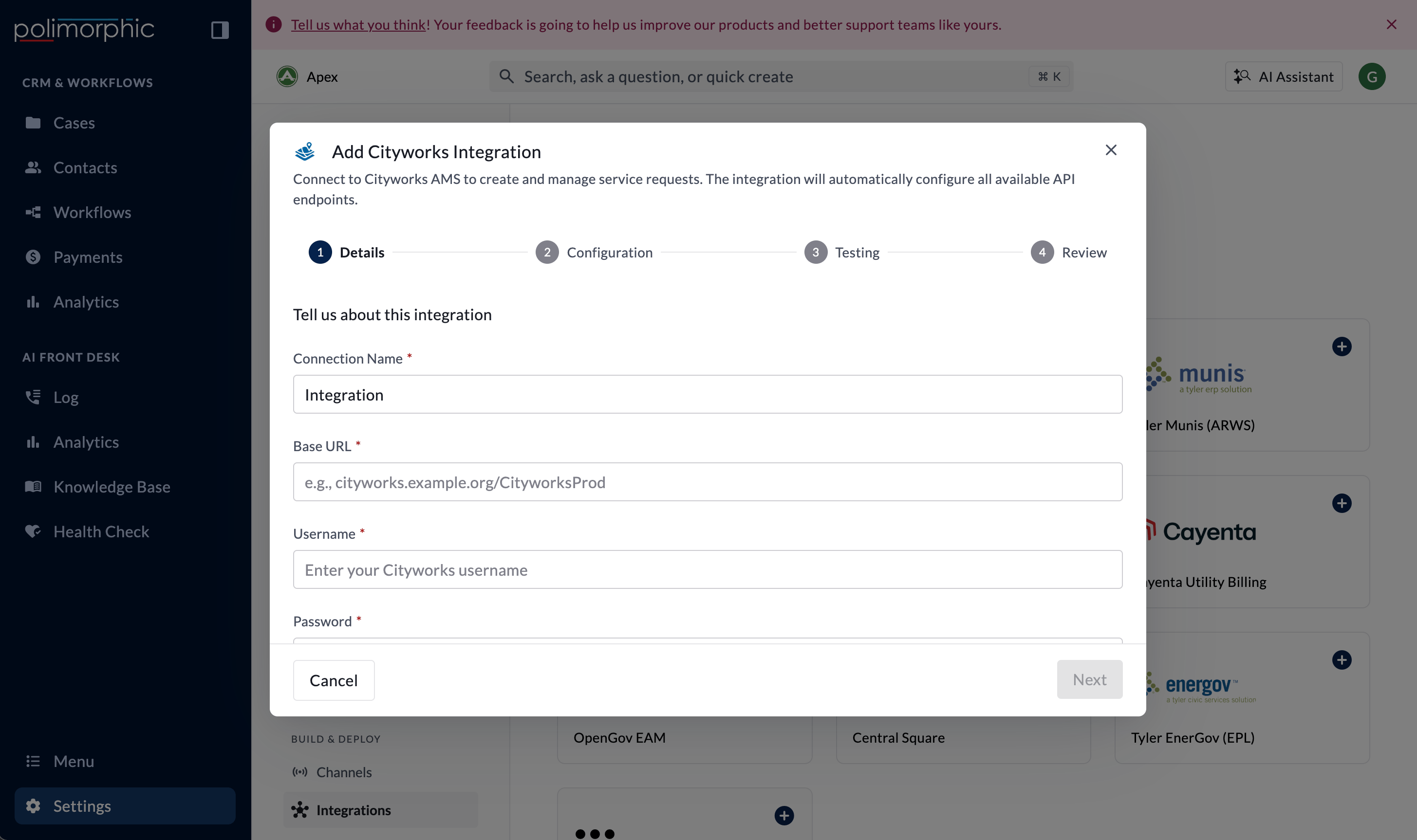
Have these ready:- The Cityworks server URL
- A Cityworks service username and password
- A safe service request for read testing
- The workflow and field-mapping requirements for the organization
Vendor provisioning guidance
The organization’s Cityworks administrator should own provisioning, with IT and the service-request program owner included. Contact Cityworks or Trimble support when the organization needs help confirming licensing, activating API access, or resolving a platform issue. Ask for:- Production and test base URLs, when both environments are available
- Confirmation that the service-request API is enabled, plus a dedicated service user
- Group access to every service-request template in scope
- The supported API version, template IDs, problem codes, coordinate-system details, and field definitions
- Message Queue Service and Action Manager guidance when webhook synchronization is planned
- Advance notice of provider upgrades or password-policy changes that may affect the service user
Setup fields
Polimorphic signs in with the username and password to obtain a Cityworks session token, then uses that token for Cityworks API requests.
What the integration can do
The hosted setup lists:- Create Service Request
- Update Service Request
- Get Service Request
- Add Comments
What the setup test checks
The setup test verifies that Polimorphic can sign in to Cityworks. It doesn’t create, update, retrieve, or comment on a real service request during setup. The four displayed operations may therefore appear untested even when authentication succeeds. Use a provider sandbox or approved test request for later validation.Finish setup and test it
Follow Set up a hosted integration to complete the shared flow. After creation, work with the implementation owner to:- Map the intended Polimorphic Workflow fields to Cityworks.
- Confirm the required Cityworks problem type and address values.
- Configure status mapping when status synchronization is needed.
- Configure and protect any inbound webhook secret.
- Test create, retrieve, update, comment, and status behavior with an approved test request.